
.png)

Description
Download TaxACT Online – Free, Secure, and Easy Tax Filing Tool
Overview: Fast, Free, and Reliable Federal Tax Filing
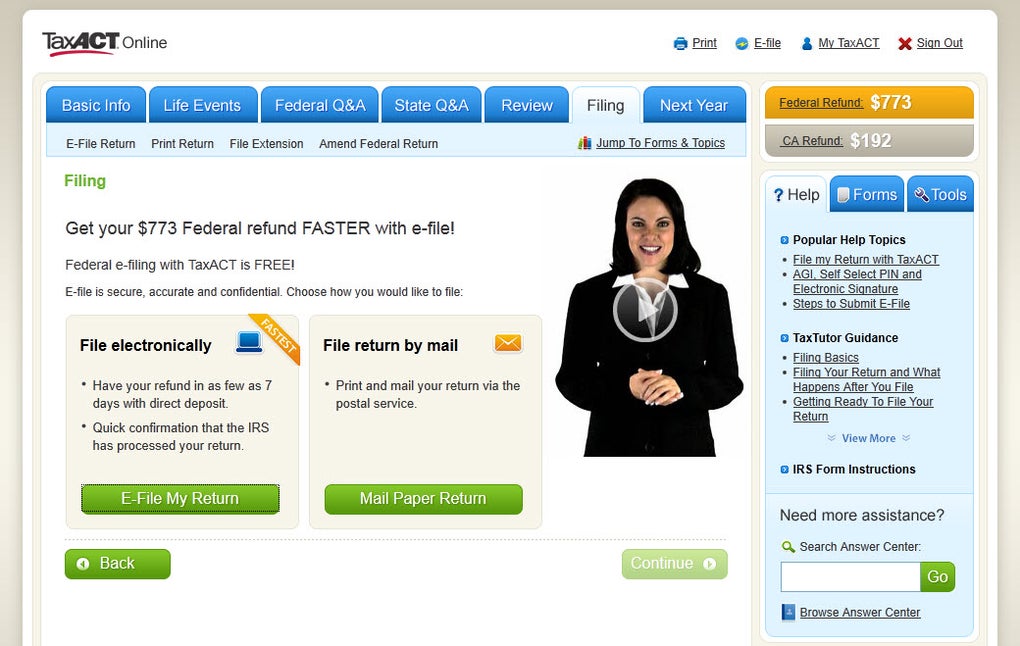
TaxACT Online is a cloud‑based tax preparation platform designed for U.S. wage earners who want a fast, free, and secure way to file their federal returns. Accessible from any modern web browser, the service eliminates the need for bulky desktop installations while still delivering the full power of a professional tax software suite. Whether you are a recent graduate, a seasoned employee, an independent contractor, or a small‑business owner, TaxACT Online guides you through every step of the filing process with intuitive prompts, detailed tutorials, and an extensive Q&A library. The platform supports the most common IRS forms—including 1040, 1040‑A, and 1040‑EZ—plus specialized schedules for 1099‑MISC income, 1098‑T tuition deductions, and 1098‑E student‑loan interest. By automatically pulling in the latest tax law changes, TaxACT Online helps you claim the maximum refund possible while minimizing the risk of errors that could trigger an audit. After completing the federal return, you can seamlessly add a state return for a modest fee, choose to e‑file directly to the IRS, or print a PDF for manual mailing. The service’s built‑in validation engine checks each entry for discrepancies, alerts you to missing information, and offers a final review checklist before submission. In short, TaxACT Online combines the convenience of a web app with the thoroughness of a desktop tax solution, making it an ideal choice for anyone looking to file taxes quickly, accurately, and at no cost for the federal return.
Key Features & Compatibility
- Free federal filing for all income types (W‑2, 1099‑MISC, 1099‑INT, etc.).
- Comprehensive support for 1040, 1040‑A, 1040‑EZ, and related schedules.
- Integrated state filing with flexible payment options (refund‑deduction or credit card).
- Automatic detection of education‑related deductions (1098‑T, 1098‑E) and self‑employment expenses.
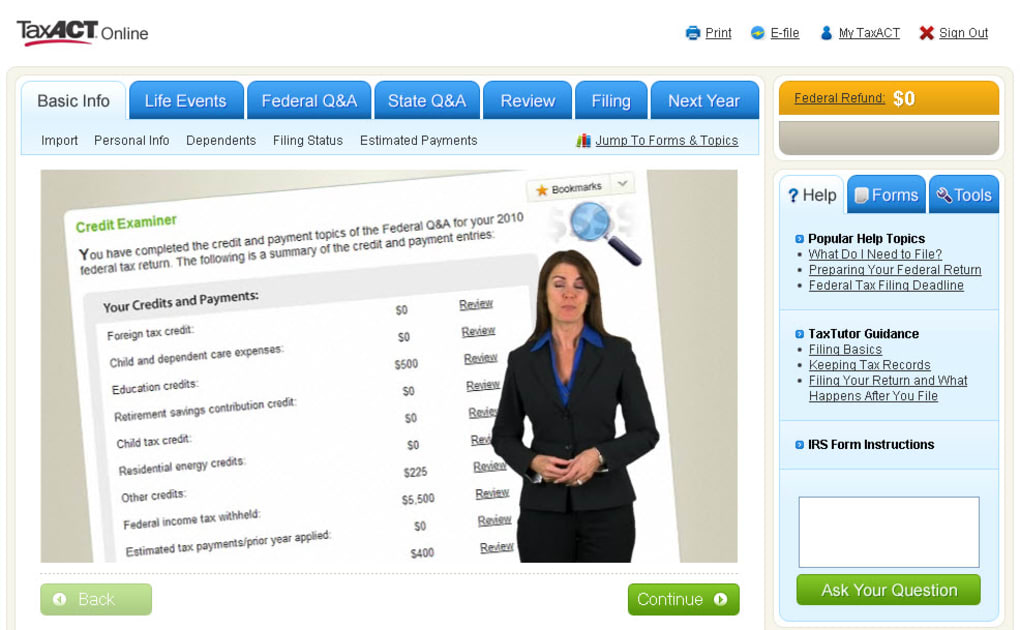
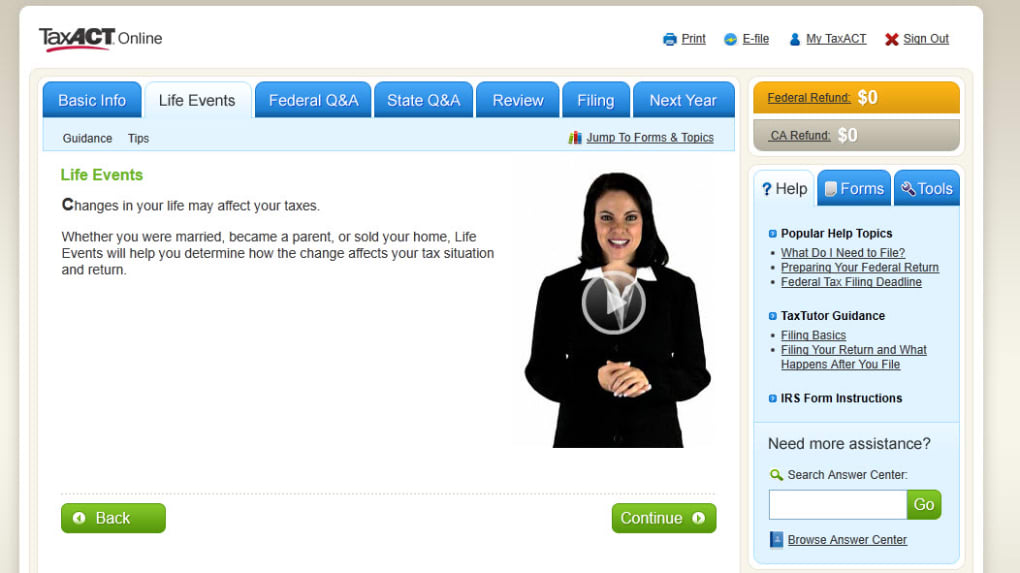
- Step‑by‑step video tutorials, interactive help icons, and an in‑depth Q&A knowledge base.
- Real‑time error checking and alerts for missing or inconsistent information.
- Secure SSL encryption and two‑factor authentication for added data protection.
- Mobile‑responsive design works on Windows, macOS, Linux, iOS, and Android browsers.
- Option to import prior year data from TaxACT desktop or other tax software.
- Unlimited e‑file submissions and instant receipt of IRS acknowledgment.
Because TaxACT Online runs entirely in the browser, it is compatible with the latest versions of Chrome, Firefox, Safari, and Edge on both desktop and mobile platforms. The service meets the Windows 10/11, macOS 12+, Linux, iOS 13+, and Android 9+ system requirements, ensuring that you can start your return on a work PC and finish it later on a tablet or smartphone without losing any data. All user information is stored on encrypted servers that comply with IRS security standards, and the platform offers optional two‑factor authentication to protect against unauthorized access. Whether you are filing from a Windows laptop at home, a MacBook in a coffee shop, or an Android phone on the go, TaxACT Online delivers a consistent, high‑performance experience.
Installation, Usage, and Pros & Cons
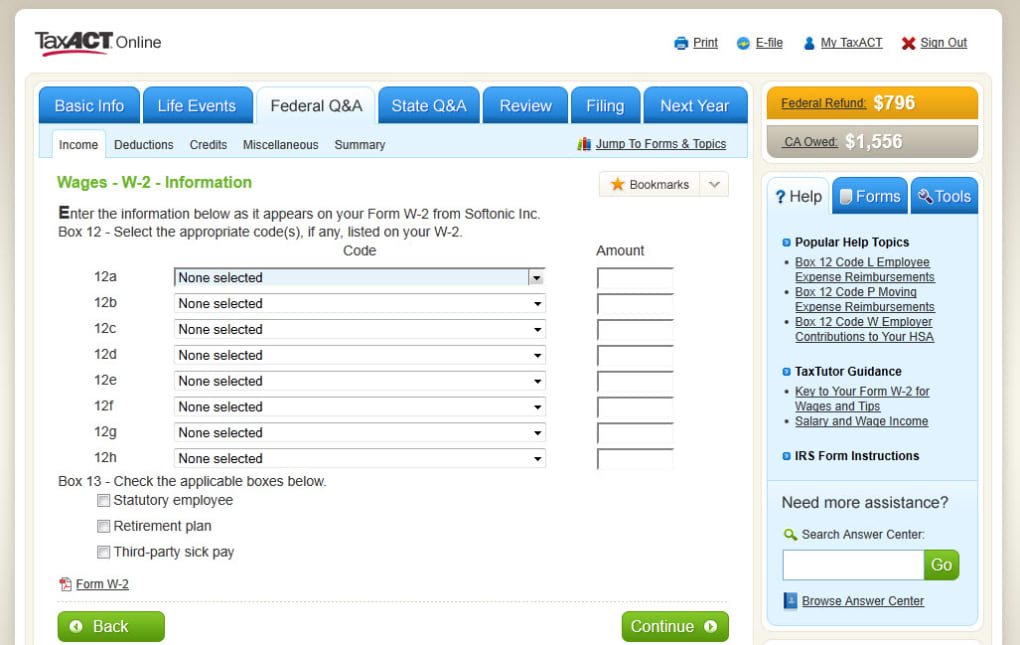
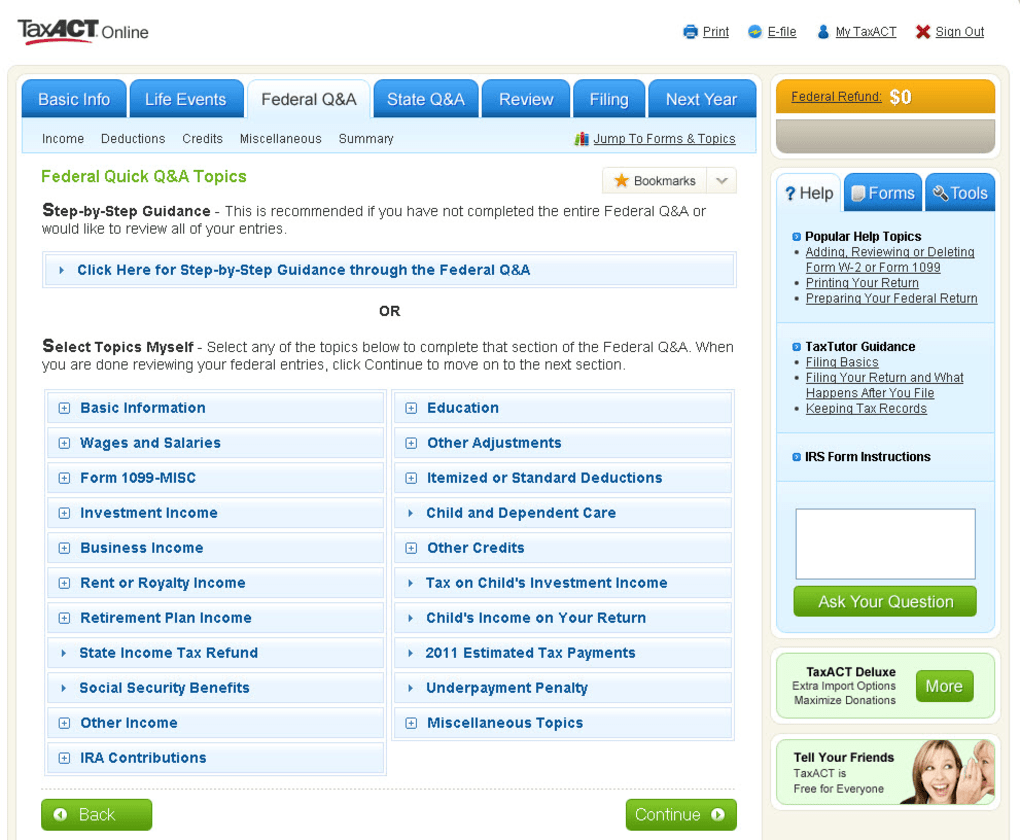
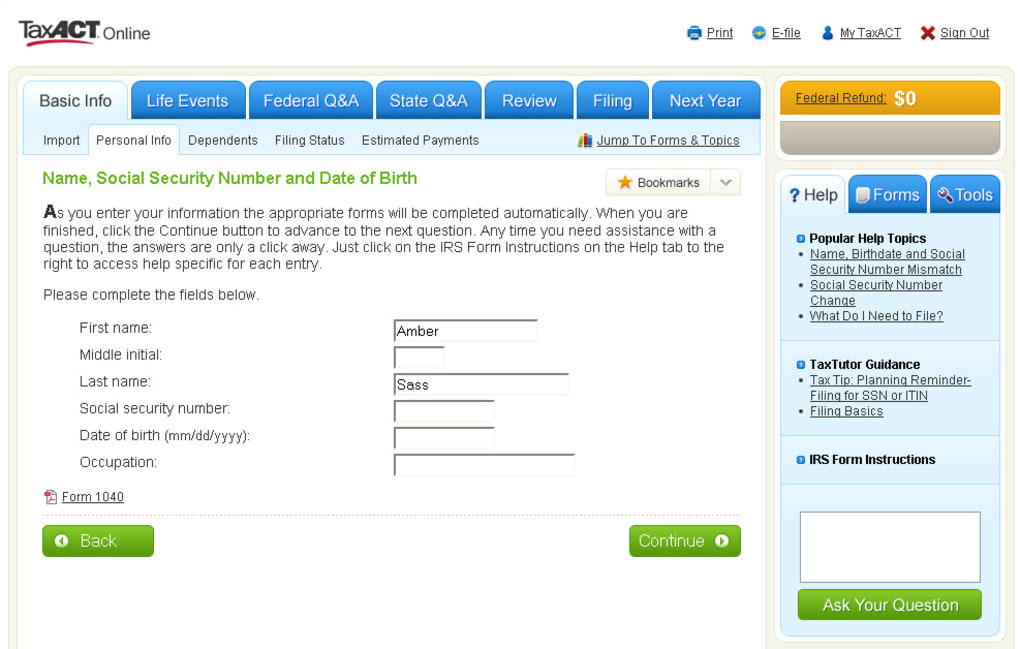
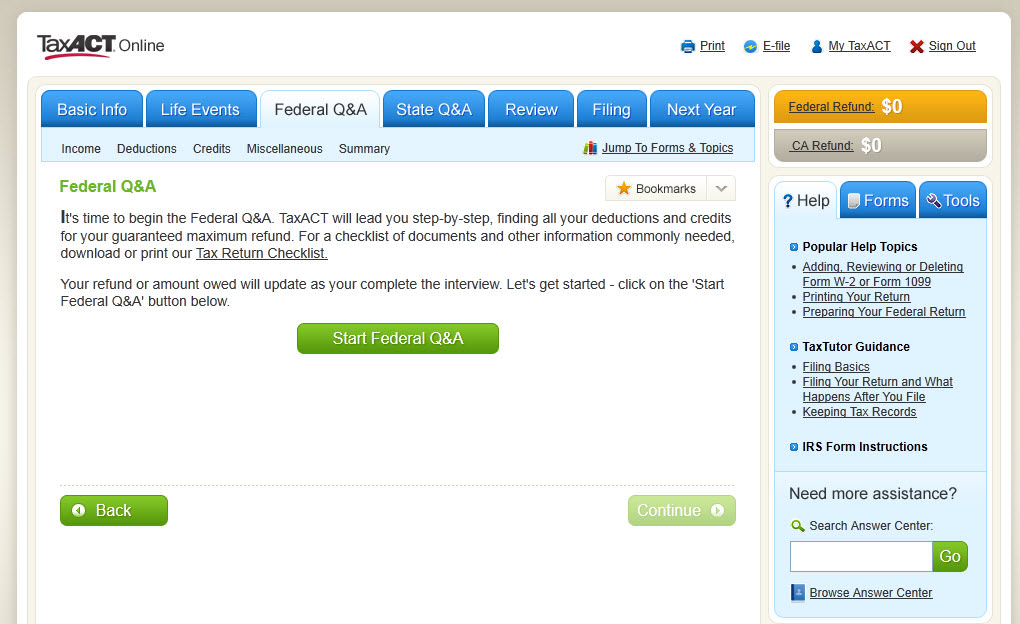
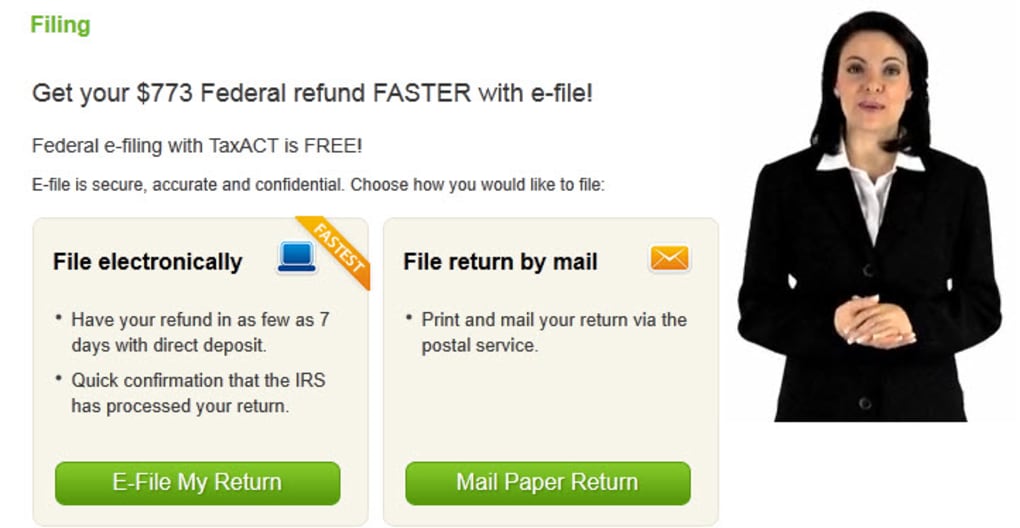
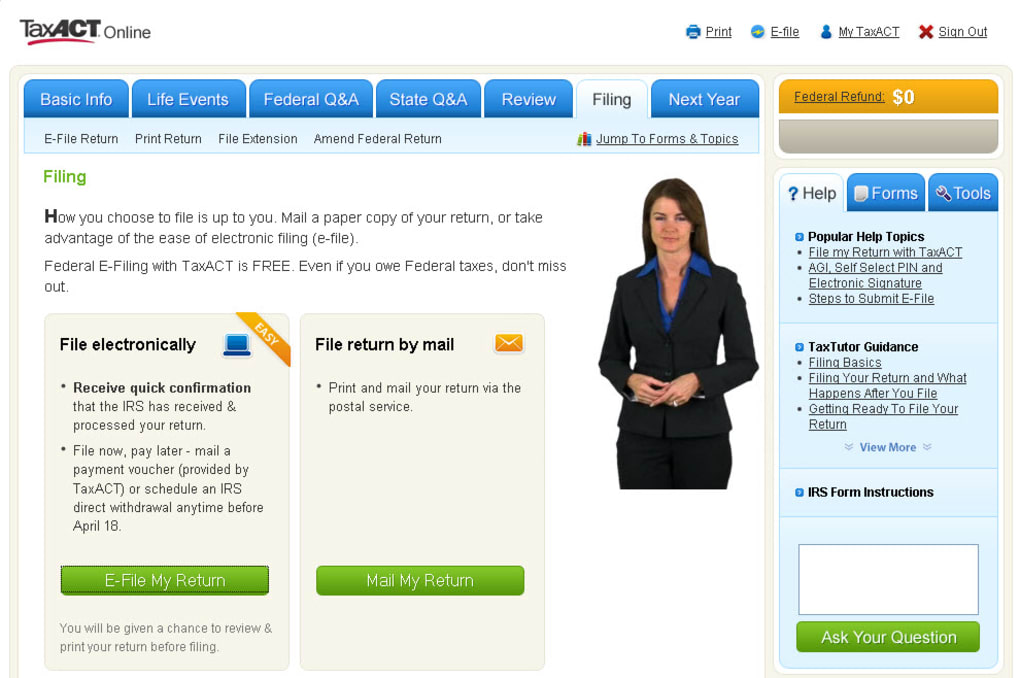
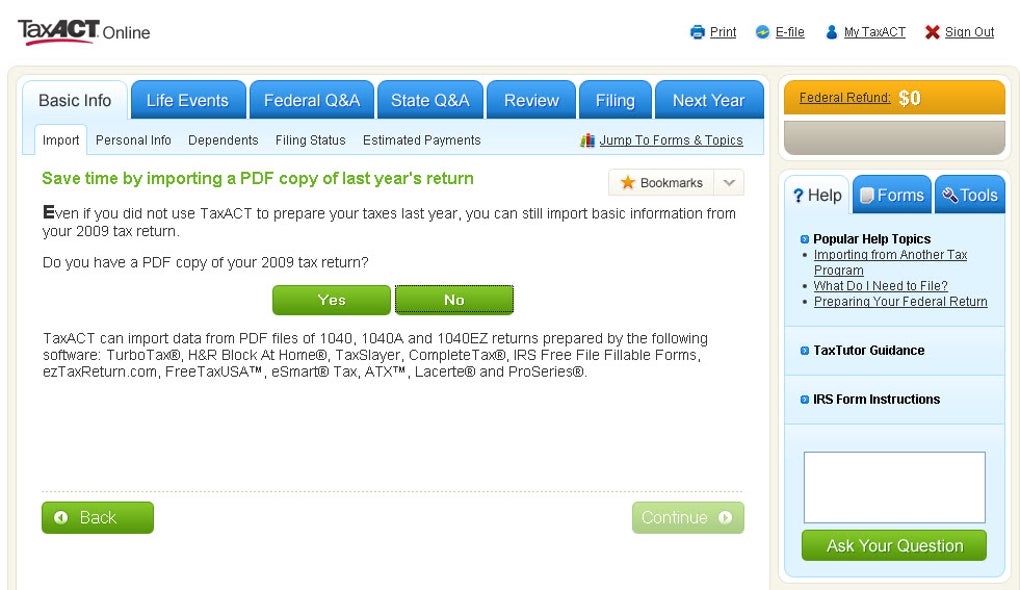
Getting started with TaxACT Online is intentionally straightforward. Visit the official website, click “Start for Free,” and create a secure account using an email address and password. After confirming your email, you are taken to a welcome dashboard where you can select “Federal Return,” “State Return,” or “Both.” The wizard then asks for basic personal information (name, filing status, dependents) before prompting you to upload or manually enter W‑2, 1099, and other relevant forms. For users with prior TaxACT desktop files, a simple “Import” button pulls the data directly into the online environment, saving hours of re‑keying. Throughout the process, contextual help icons provide concise explanations, while embedded video tutorials walk you through complex topics like depreciation or education credits. Once all sections are completed, the built‑in audit trail reviews each line, highlights potential errors, and offers suggestions for correction. When you’re satisfied, you can click “E‑File” to transmit the return securely to the IRS. If you also need a state return, you can add it at the final step and pay the $29.99 filing fee either by deducting it from your refund or via credit card.
Pros
- Free federal filing eliminates cost barriers for most users.
- User‑friendly interface suitable for beginners and experienced filers.
- Robust support for a wide variety of income sources and deductions.
- Real‑time error detection reduces the chance of IRS rejections.
- Secure, SSL‑encrypted platform with optional two‑factor authentication.
- Responsive design works on desktop and mobile browsers alike.
Cons
- State filing incurs a fee, which may be higher than some competitors.
- Advanced tax situations (e.g., multi‑state businesses) may require the paid desktop version.
- Limited live chat support; most assistance is via knowledge base and email.
- Occasional lag on slower internet connections during large data imports.
FAQ & Conclusion
Is TaxACT Online really free for federal returns?
Yes, TaxACT Online allows you to prepare and e‑file your federal return at no charge, regardless of income level or form complexity.
Can I file my state return with TaxACT Online?
Absolutely. State filing is available for a fee of $29.99, which can be deducted from your refund or paid via credit card.
What forms does TaxACT Online support?
The platform supports all standard IRS forms, including 1040, 1040‑A, 1040‑EZ, Schedule C, Schedule D, 1099‑MISC, 1098‑T, 1098‑E, and many more specialized schedules.
Is my personal data safe on TaxACT Online?
TaxACT Online uses industry‑standard SSL encryption, stores data on IRS‑compliant servers, and offers optional two‑factor authentication to protect your information.
Can I import a previous year’s return from the desktop version?
Yes, the “Import” feature allows you to upload a TaxACT desktop file, automatically populating many fields and saving time on data entry.
In summary, TaxACT Online delivers a powerful, free federal filing solution that balances simplicity with depth. Its extensive form coverage, real‑time validation, and secure cloud environment make it an attractive option for anyone seeking a hassle‑free tax experience. While the state filing fee is a consideration, the overall value—especially for first‑time filers or those with modest tax situations—far outweighs the cost. Ready to file your return quickly, securely, and at no cost? Download TaxACT Online today, create your free account, and start your refund journey within minutes.
Guides & Tutorials for TaxACT Online
How to install TaxACT Online
- Click the Preview / Download button above.
- Once redirected, accept the terms and click Install.
- Wait for the TaxACT Online download to finish on your device.
How to use TaxACT Online
This software is primarily used for its core features described above. Open the app after installation to explore its capabilities.
User Reviews for TaxACT Online 0
No reviews found




